
Introduction
The Google Play Store is the official app marketplace for Android devices, offering millions of apps, games, books, movies, and more. Whether you’re a new Android user or a seasoned tech lover, understanding how the Play Store works, how to safely download apps, and what features to explore in 2025 can help you get the most out of your device.
What is the Play Store?
The Play Store is Google’s digital platform for Android users. Launched in 2008, it now offers a wide range of digital content:
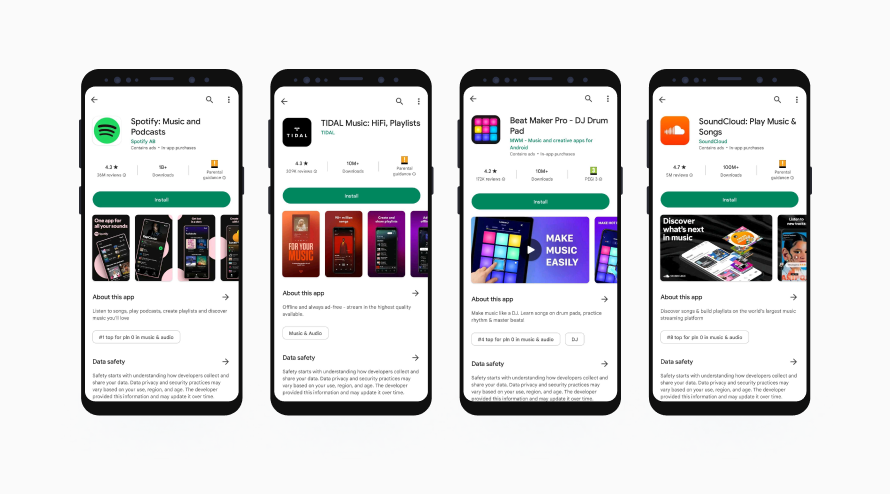
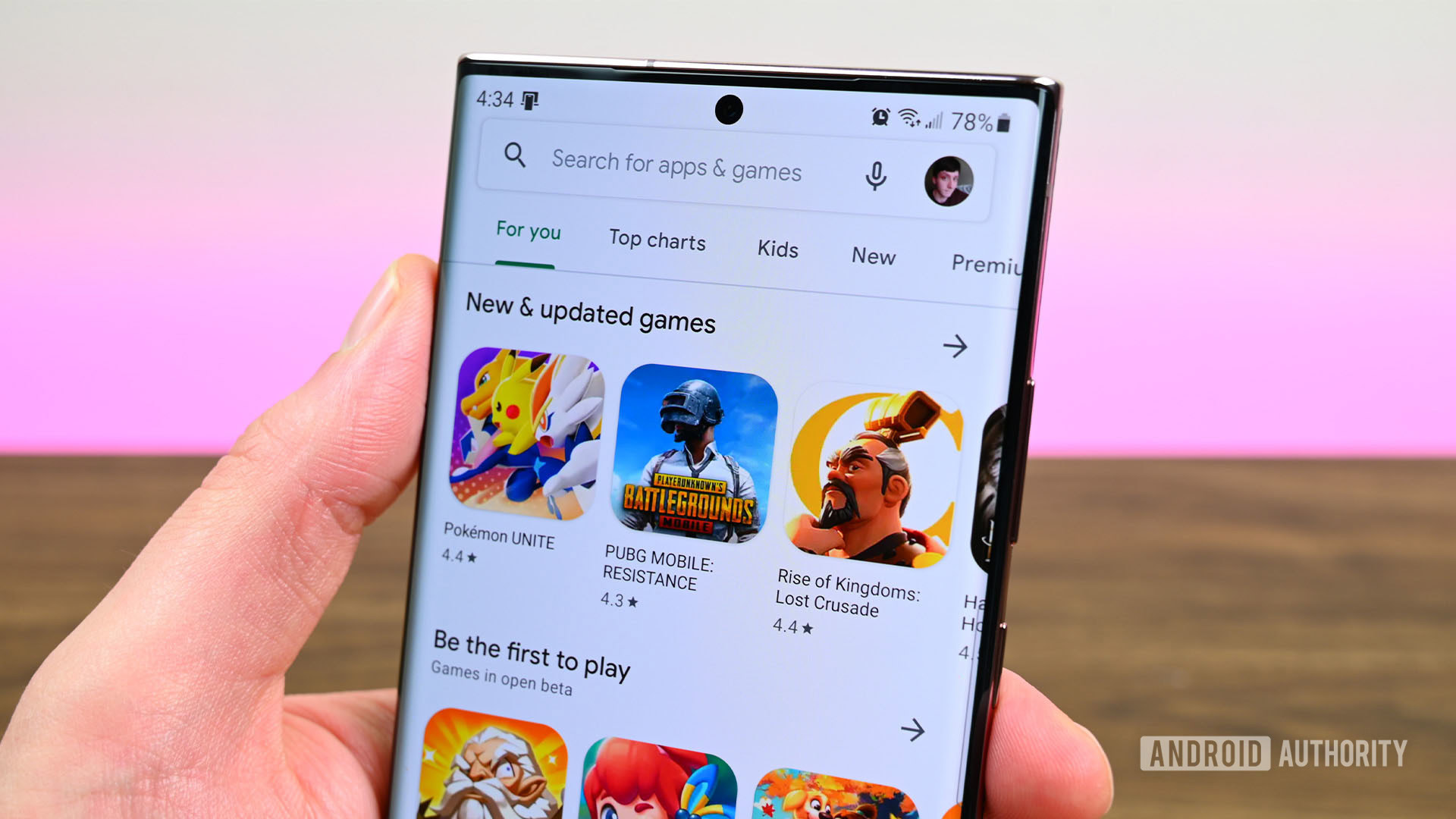
- Mobile games (e.g., Free Fire, Candy Crush)
- Productivity apps (e.g., Google Drive, Evernote)
- Streaming platforms (e.g., Netflix, Spotify)
- Books, audiobooks, and more
Visit the official Google Play Store to explore millions of free and paid apps.
Top Features of the Play Store in 2025
- Google Play Protect: Automatically scans apps for threats.
- App Bundles: Reduces app size and speeds up downloads.
- AI App Suggestions: Personalized recommendations using AI.
- Subscription Center: Easily manage app subscriptions in one place.
How to Download Apps Safely
Follow these Play Store tips for safe downloading:
- Read reviews and check developer credibility.
- Look for the verified checkmark beside popular apps.
- Update apps regularly to get security patches.
- Use Google Play Protect to scan apps automatically.
For more help, check out the Google Play Help Center.
Trending Android App Categories in 2025
- AI Chat & Productivity: ChatGPT, Gemini AI, Notion
- Finance: Paytm, PhonePe, Zerodha
- Health & Wellness: HealthifyMe, Headspace
- Gaming: PUBG, BGMI, Call of Duty Mobile
Tips to Make the Most of the Play Store
- Enable Auto-Updates in Settings
- Create a Wishlist for later downloads
- Use Parental Controls for family safety
- Clear cache regularly to fix app download issues
Common Issues and Quick Fixes
- Download Pending: Clear cache from App Settings
- Error Code 403/495: Remove and re-add Google Account
- App not available: Some apps are region-locked—try using a VPN
Conclusion
The Google Play Store is essential for any Android user. It combines app security, smart recommendations, and the power of Google’s ecosystem. By using it wisely, you’ll enhance your phone’s performance and get the most out of your digital life in 2025.
Looking for the top Android apps? Check our 2025 Android app list. Want to protect your phone from malware? Read our Android security guide.